The product catalog is a central component of Microscope.ai that enables product-specific AI monitoring. By maintaining an accurate catalog of your products or services, you can track how AI models represent each offering individually.
What is the Product Catalog?
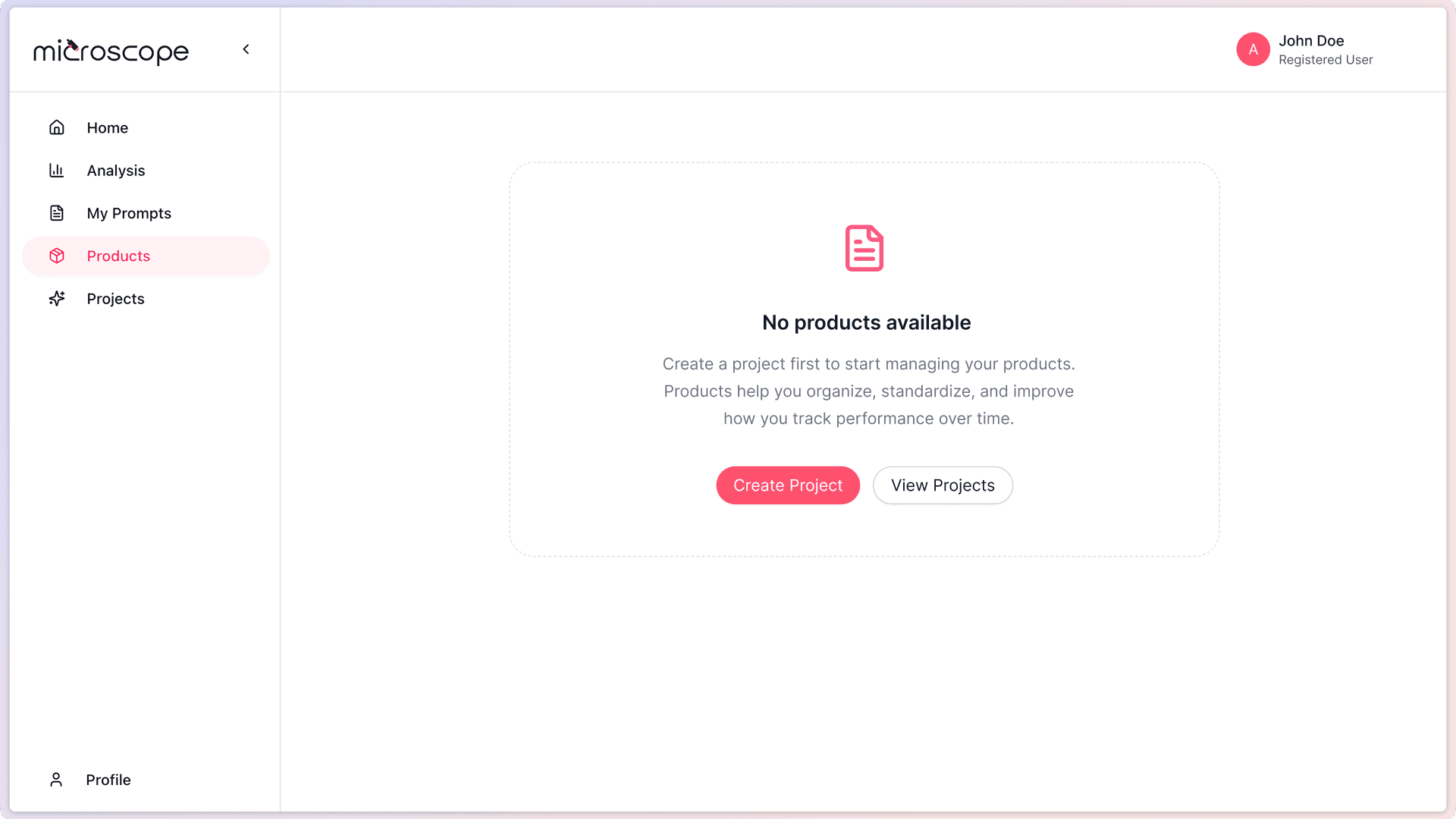
The product catalog in Microscope.ai is a repository of your products or services within a project.
Purpose
- Provides context for product-related prompts and analyses
- Enables product-specific performance tracking
- Allows comparison across your product portfolio
- Helps AI models understand what you offer
Scope
Each project has its own product catalog. Products are not shared between projects, allowing you to:
- Maintain separate catalogs for different brands
- Organize products by market or region
- Track different product lines independently
Why the Product Catalog Matters
Product-Specific AI Analysis
Product prompts in Microscope.ai reference your catalog to:
- Ask AI models about specific products
- Evaluate how accurately AI describes each product
- Track which products are mentioned by AI
- Compare AI positioning across products
Comprehensive Monitoring
Without a product catalog:
- Product prompts cannot target specific offerings
- You miss product-level insights
- Comparative analysis is impossible
- AI recommendations for products go unmonitored
With a complete catalog:
- Monitor each product's AI presence
- Identify which products need optimization
- Track product positioning over time
- Understand competitive dynamics per product
What Information is Stored?
For each product in your catalog, Microscope.ai stores:
Product Information
- Product Name - The official name of your product or service
- Description - What the product is and what it does
- Use Cases - Key scenarios where the product is used
- Price - The product price
- Currency - The currency for the price
- Product URL - Direct link to the product page
- Image URL - Link to the product image
This comprehensive information helps Microscope.ai create relevant prompts and evaluate AI responses accurately.
How the Catalog Works with Analyses
Product Prompts
When you run analyses with product prompts:
- Microscope.ai automatically includes your products in relevant prompts
- AI models are asked about your specific products
- Responses are analyzed for accuracy and completeness
- Results show how well AI understands each product
Product Performance View
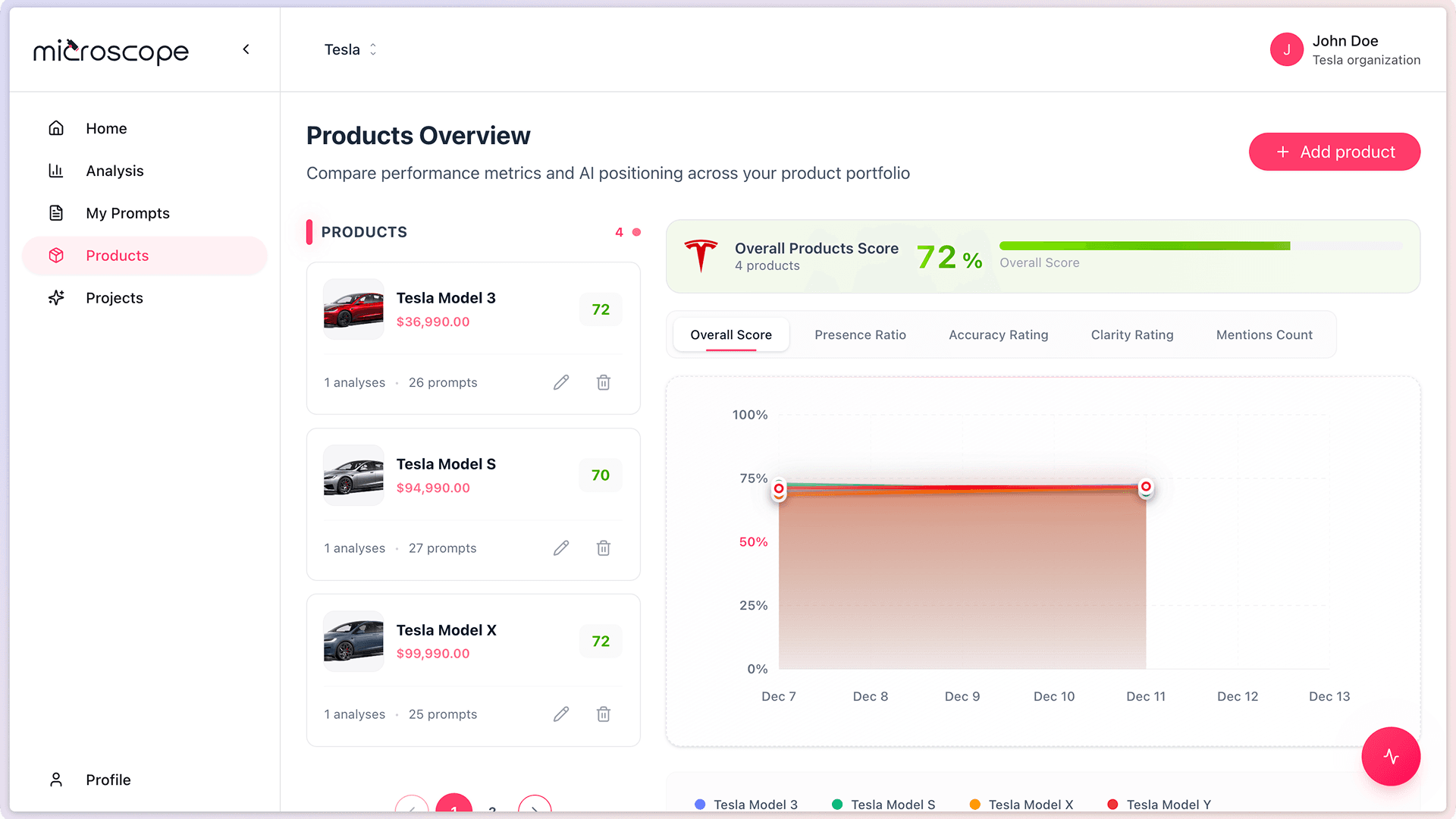
The Products Overview page shows:
- All products in your catalog
- Performance metrics for each product
- AI positioning and mention rates
- Trends over time
Product Catalog Best Practices
Completeness
- Add all products you want to monitor
- Include core products and key offerings
- Don't overlook new or niche products
Accuracy
- Use official product names
- Provide accurate descriptions
- Keep information up to date
- Include relevant use cases
Organization
- Group related products in the same project
- Use clear, consistent naming
- Maintain separate catalogs for different brands
Product Catalog vs. Brand Information
It's important to distinguish between your brand information and product catalog:
Brand Information
- Describes your company or brand overall
- Set at the project level
- Used for brand-level prompts and analyses
Product Catalog
- Lists specific products or services
- Each product has its own information
- Used for product-level prompts and analyses
Both are important and serve different purposes in your AI monitoring strategy.
When to Add Products
Add products to your catalog:
- Immediately after creating a project - Set up your catalog early
- When launching new products - Add them as soon as they're available
- Before running product analyses - Ensure products are cataloged first
- When expanding to new markets - Add region-specific products
Product Limit by Plan
Your subscription plan determines how many products you can add per project:
- Trial - Up to 4 products per project
- Focus - Up to 20 products per project
- Magnify - Varies by plan
- Enterprise - Custom product limits
If you need to monitor more products, consider upgrading your plan or creating additional projects.
Next Steps
Now that you understand the product catalog, you're ready to:
- Add your first products
- Learn about managing product information
- Create product-focused analyses
- Track product-level performance